Smart cutting machines are a black hole, and I say that as someone who fell in. I’ve dabbled with Cricut products, but it wasn’t until I started reviewing them for work that these cutting machines became a true obsession. These days, I spend weekends thrifting for blanks and experimenting with patchwork appliqué, and I even caved and bought a secondhand Brother sewing machine.
My home office, which once screamed “corporate remote worker,” is now overrun with glitter vinyl and who knows how many types of scissors (all for different purposes, of course). In This Story All of which to say, I was an easy target when Cricut and Siser both landed new, smart cutting machines on my desk. I quickly realized that comparing them to each other wasn’t particularly useful.
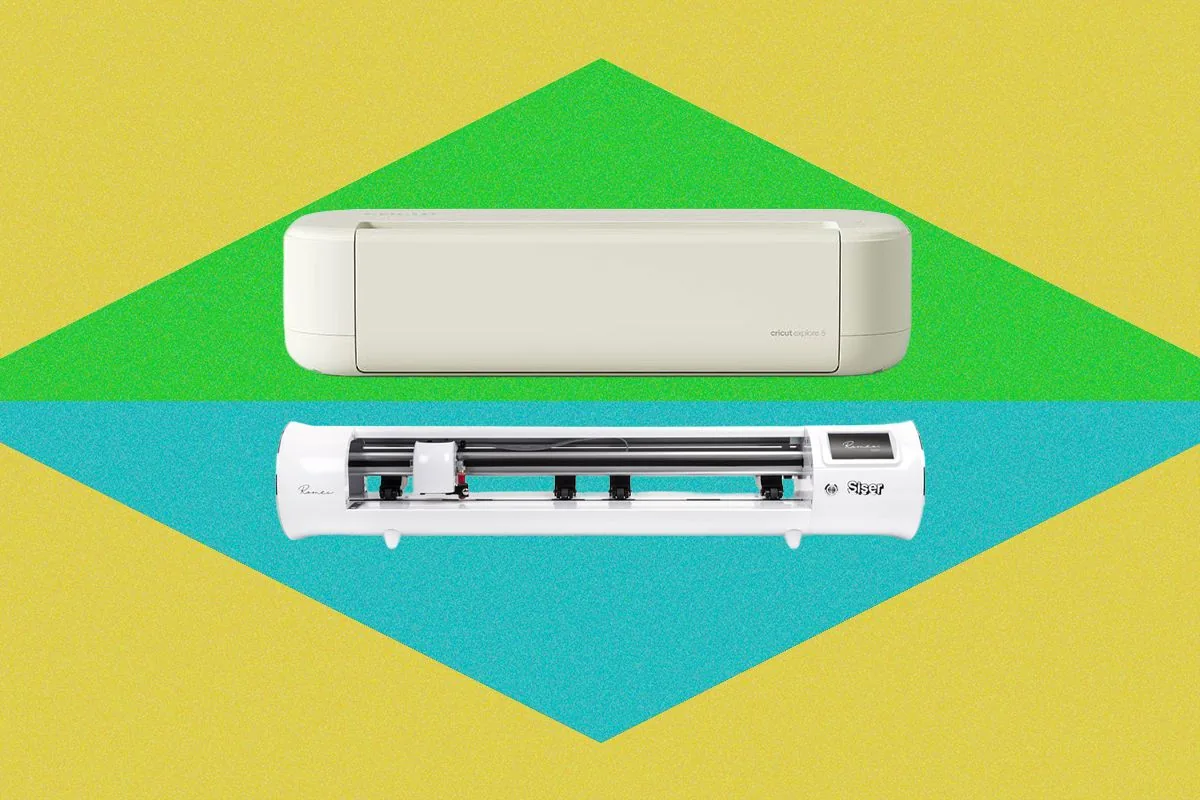
Yes, they both cut materials like vinyl and cardstock, but they solve different problems and are for different consumers. Cricut’s latest model, the Explore 5, costs $199 for the machine alone (or $250 for the bundle I tested with mats, tools, and vinyl) and is designed for the more casual crafter making things like bookmarks, banners, and the occasional T-shirt. The Siser Romeo ($600 as tested), on the other hand, is built for someone who might pump out 50 graphic tees before lunch.
Siser has always been upfront about this. It’s not really trying to compete with a machine like the Explore 5. So instead of forcing a winner-take-all comparison, I over several weeks cut layered cardstock bookmarks, HTV hoodies, vinyl-decaled cups for my brother-in-law’s 40th birthday, and even bonded cotton appliqué pieces on both machines (disclaimer: I had to buy new, aftermarket blades for this).
My goal wasn’t to crown a winner but to evaluate where the tipping point was. When do you outgrow a hobby cutter? More specifically, when is it worth trading the Cricut Explore 5’s simplicity for the Siser Romeo’s added control?
Cricut Explore 5 If you’re casually personalizing things on the fly, or making cards or decals, the Explore 5 is your machine. More than the machine itself, though, my favorite part of Cricut is the whole ecosystem. The Design Space software is packed with user-created projects, and I could easily lose track of time finding designers I liked, then browsing and bookmarking everything they’ve made.
You can start with one of those templates, customize it to your liking, and have it ready to cut in a matter of minutes. Design Space holds your hand through every single step, and the learning curve is shallow. The Explore 5 is more of a background worker.
Its new Load and Go system makes the act of cutting super simple: You put your material on the mat (which isn’t even needed if you’re using Cricut’s Smart Vinyl), feed it into the machine, and press the flashing Go button—the machine takes it from there. Combined with Design Space’s step-by-step prompts, it’s about as close to plug-and-play as a cutting machine gets. At just under 20 inches wide, the Explore 5 doesn’t require a dedicated crafting studio space or permanent workstation.
Mine lived happily on the corner of my desk for weeks, ready whenever inspiration struck. I also appreciated the clamshell-style opening, which keeps the blade and interior protected from dust and stray threads that inevitably exist in a busy craft space, and you can fold it closed when you’re done.









Comentários (0)
Entre ou cadastre-se para comentar.